Ignite Your Brand with the Fire Red Line Neon Light Text Effect
There’s a specific energy that comes with neon signage—the hum of electricity, the vibrant glow against a dark city street, and that undeniable sense of modern cool. In the digital design world, capturing that authentic neon aesthetic without looking cheap or overused is a challenge. Enter the Fire Red Line Neon Light Text Effect. This isn't just a static image; it is a fully editable vector design asset that brings the electric intensity of red neon tubing directly into your Adobe Illustrator workflow. If you are looking to inject some high-voltage personality into your typography, this tool offers a seamless way to achieve that look.
Visual Characteristics and Personality
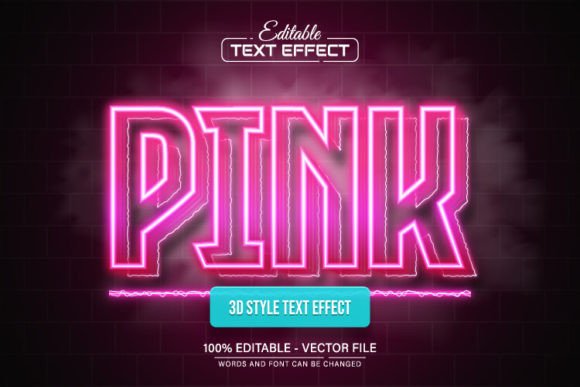
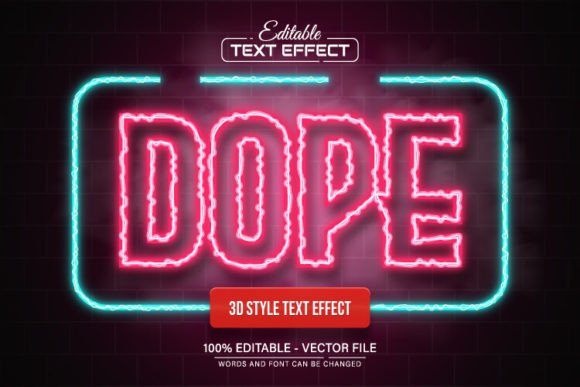
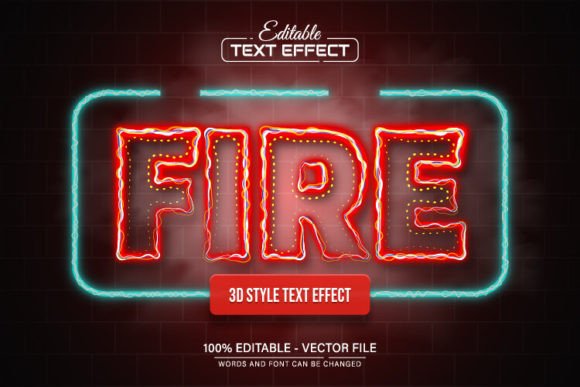
The defining feature of the Fire Red Line Neon Light Text Effect is, of course, the color. We aren't talking about a passive pastel pink; this is a fierce, burning red. It mimics the look of gas-filled glass tubes glowing with heat, creating an atmosphere of passion, urgency, and excitement. Visually, the effect creates a distinct hierarchy: the text appears to float above the background, emitting a soft, ambient light that blends realistically with darker surfaces.
The personality of this typeface style is inherently bold and unapologetic. It commands attention immediately. Unlike a subtle serif font or a clean sans serif font meant for body copy, this is a pure display font effect. It speaks the language of nightlife, entertainment, and urgency. For a brand identity, it suggests a company that is energetic, modern, and perhaps a little rebellious. It works best when you want to cut through the noise and make a statement that is impossible to ignore.
Practical Applications: From Digital to Print
One of the most significant advantages of this download is its versatility. Because the Fire Red Line Neon Light Text Effect is provided in both EPS and JPG formats and is 100% editable vector, you are not restricted to a single size or application. The quality remains crisp whether you are designing a massive billboard or a small icon.
Consider how this asset fits into different creative avenues:
- Digital Marketing and Social Media: In the fast-scrolling world of Instagram, TikTok, or Facebook ads, you have milliseconds to grab attention. A vibrant red neon headline stops the thumb. It is perfect for announcements, flash sales, or event promotions where you need to convey excitement quickly.
- Logo Design and Branding: While you wouldn't use this for your corporate legal firm, it is a goldmine for brands in the entertainment, food and beverage, or lifestyle sectors. A bar, a gaming channel, or a streetwear brand could use this style to establish a memorable brand identity that feels rooted in urban culture.
- Editorial and Packaging Design: Imagine a magazine cover for a music issue or a bold header on a website landing page. In packaging design, particularly for tech products or energy drinks, this neon effect can differentiate a product on a crowded shelf, suggesting high energy and potency.
- Personal Projects: For hobbyists and crafters, this vector asset is a fantastic resource for creating custom wall art, party invitations, or digital wallpapers that have a professional, polished look.
Influence on Perception and Engagement
Typography does more than spell out words; it sets a mood. The Fire Red Line Neon Light Text Effect influences how your audience perceives your message before they even read the content. Red is psychologically associated with passion, action, and importance. When rendered in a neon style, it adds a layer of playfulness and creativity.
This effect aids in visual hierarchy. By using this style for your primary headlines, you naturally guide the viewer's eye to the most important information. It creates a focal point that anchors the design. However, readability is key. Because this is a "line" effect, the strokes are thinner than a blocky sans serif font. This means it works best for short, punchy headlines rather than long sentences. If you try to write a paragraph in neon, the visual noise will make it unreadable.
Working with the Vector File
The true power of this asset lies in its editability. Many designers have been burned by "premium fonts" or effects that turn out to be flattened JPGs with no ability to change the text. This package is different. It is a fully realized vector design.
Here is the practical workflow for customizing the Fire Red Line Neon Light Text Effect:
- Open in Adobe Illustrator: You will need CS or a higher version to utilize the vector capabilities fully.
- Select the Text Tool: Simply press "T" on your keyboard and click on the existing text.
- Customize: You can type whatever message fits your campaign. Because it is vector, you can also scale the design to any size without pixelation.
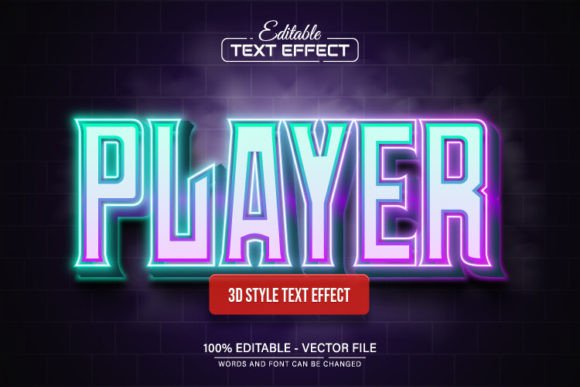
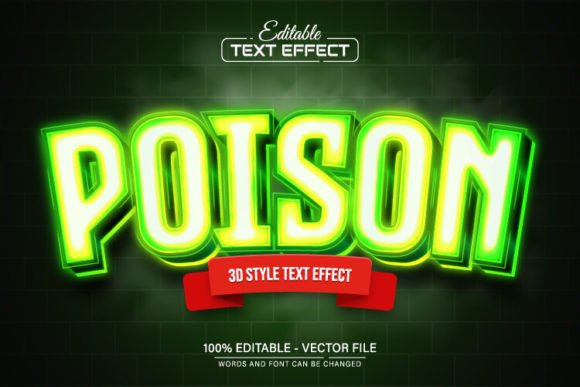
- Color Variations: While the "Fire Red" is the hero, the vector nature allows for unlimited color variations. You could easily shift the hue to a cool blue for a tech vibe or a vibrant green for a retro feel, all within Illustrator.
Strategic Recommendations for Designers
When integrating the Fire Red Line Neon Light Text Effect into your work, context is everything. This style pairs exceptionally well with dark, moody backgrounds—think deep charcoal, black, or dark navy blue. The contrast allows the "glow" of the neon to pop realistically.
For font pairing, avoid using other decorative or script fonts. The neon effect is already complex and highly stylized. To maintain a professional balance, pair it with a clean, neutral body font. A simple geometric sans serif font for the sub-headers or body text will ensure that your design remains legible and grounded.
Finally, remember that this is a commercial font asset, meaning you can use it for client work and products for sale. It is a valuable addition to any designer's toolkit, offering a high-impact visual solution that requires no advanced skills to implement. Whether you are crafting a web design header or a printed flyer, this effect provides the spark needed to make your typography stand out.