Player Neon Glowing 3D Text Effect: Your Shortcut to Impactful Visuals
There’s a certain electricity that comes with a well-designed neon sign. It feels modern, energetic, and instantly grabs your attention. As a designer or brand owner, capturing that feeling in your digital projects can be a challenge, especially when you need a high-impact look without spending hours on complex layer styles and effects. That’s where a dedicated asset like the Player Neon Glowing 3D Text Effect comes into play. It’s not a traditional font file, but rather a fully editable vector template designed to give your text that signature neon glow and depth with minimal effort.
What Exactly Is This Neon Text Effect?
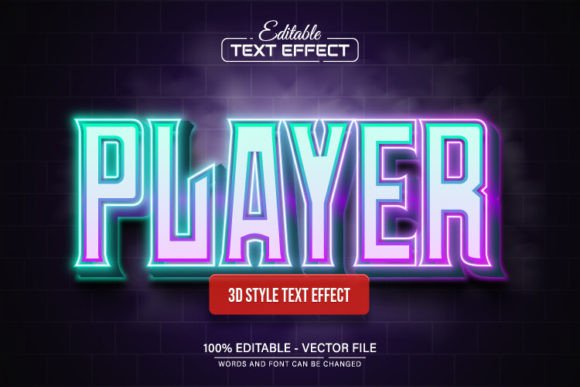
Think of the Player Neon Glowing 3D Text Effect as a pre-built design system. At its core, it’s a vector file (provided in EPS and JPG formats) where the glowing, three-dimensional neon appearance has already been crafted by a designer. The key feature is that the text itself is 100% editable. You’re not locked into the word "Player." You can open the file in Adobe Illustrator, use the Type Tool (the "T" key), click on the text, and change it to your brand name, event title, or any message you need.
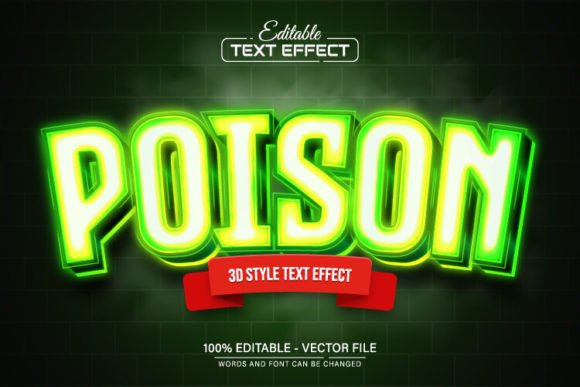
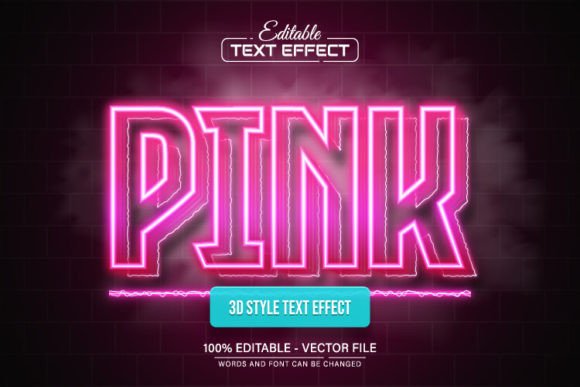
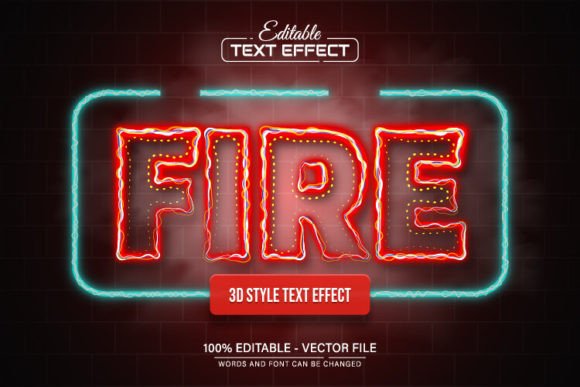
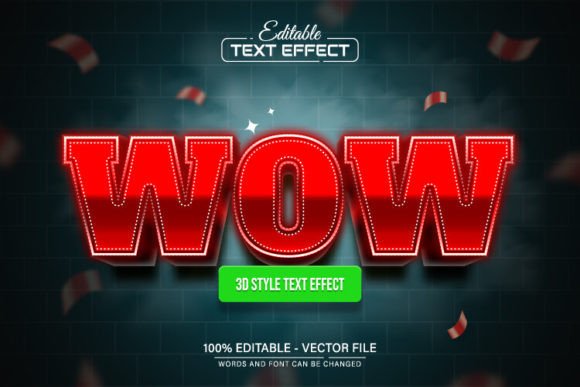
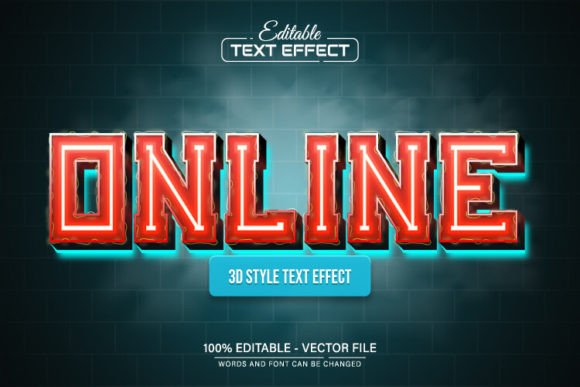
The visual personality is unmistakable: it’s bold, contemporary, and high-energy. The effect typically features a bright core color with a softer, diffused glow emanating from it, set against a contrasting background to make it pop. The 3D aspect adds a layer of depth and professionalism, moving it beyond a simple flat graphic. This makes it an excellent display font solution for headlines, logos, and social media graphics where you need immediate visual impact.
Where Does a Neon Effect Shine? Practical Applications
The versatility of this creative font asset is one of its strongest points. Because it’s a vector, you can scale it to any size—from a tiny icon to a massive banner—without any loss in quality. Here’s where it works exceptionally well:
- Digital & Social Media: It’s perfect for creating eye-catching YouTube thumbnails, Instagram story highlights, Twitch stream overlays, or promotional graphics for events like gaming tournaments, music releases, or product launches. The neon glow naturally stands out in a crowded feed.
- Branding & Logo Design: For businesses in entertainment, nightlife, tech, or any modern service industry, this effect can be a fantastic starting point for a logo design. It immediately conveys a sense of innovation and excitement. Just remember to customize the colors to align with your broader brand identity.
- Editorial & Packaging: In editorial design, it can be used for feature article titles in digital magazines or blog headers. For packaging design, it can add a premium, contemporary feel to product boxes, especially for items targeting a younger demographic.
- Web Design & Presentations: Use it for hero section headlines on a website or for key slides in a presentation to emphasize important points. It’s a powerful way to establish visual hierarchy and guide the viewer’s eye.
Integrating the Effect: Tips for Cohesive Design
While the effect is stunning on its own, its real power is unlocked when used thoughtfully within a larger design. Here’s some practical guidance:
- Evaluate Project Fit: Does your project’s tone match the energy of neon? A neon glow might feel out of place for a traditional law firm’s website but perfect for a new fitness app or a podcast about pop culture. Consider your audience and the message you want to send.
- Font Pairing is Key: The Player Neon effect is a headline act. Pair it with a clean, highly readable sans serif font or even a simple serif font for body text. This contrast ensures your main message is bold and impactful, while supporting text remains easy to read. Avoid pairing it with another highly decorative script font or handwritten font, as this can create visual chaos.
- Color and Background: The included files allow for unlimited color variations. Edit the colors in Illustrator to match your project’s palette. The effect looks most dramatic on a dark, solid background (black, deep blue, charcoal) which allows the glow to truly radiate. On lighter backgrounds, you may need to adjust the glow’s intensity or add a subtle drop shadow for clarity.
- Readability First: Even with a premium font effect, readability is paramount. Keep your text concise. This effect is designed for short, powerful phrases—not for paragraphs. Test it at the size it will be viewed; what looks great on your artboard might lose detail when scaled down for a mobile screen.
- Commercial Licensing: Since this is a design asset you download, always check the license. This particular asset is described as being for commercial use, which is great for entrepreneurs and creators. Ensure you understand the terms for your specific use case, whether it’s for a client project or your own business.
In essence, the Player Neon Glowing 3D Text Effect is a specialized tool in your design toolkit. It’s not a replacement for a full typeface family, but rather a powerful effect to apply when the situation calls for maximum visual punch. By using it strategically, you can elevate your projects, create a memorable brand impression, and achieve that professional, polished look that engages your audience from the first glance. It’s a practical shortcut to modern typography that delivers real-world value for a wide range of creative professionals.